Configuration or custom development?
Bespoke ERP Software for Your Workflows
Bespoke ERP is software developed for requirements that cannot be met by configuring a standard system. Use T7 ERP discovery to separate existing settings from a custom build. Define acceptance tests, handover and post-launch support in writing before approving development.
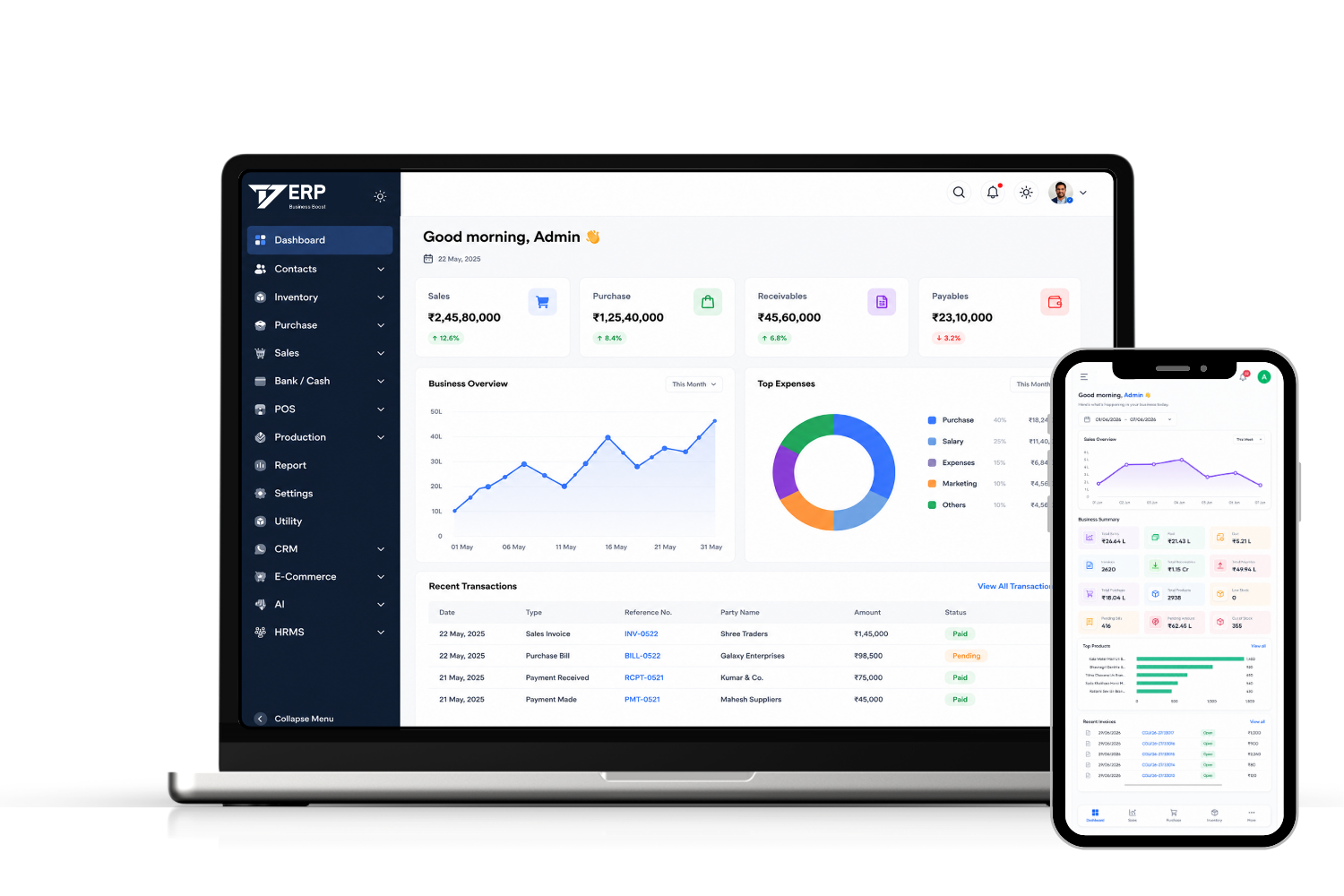
How do you decide what needs custom ERP development?
Start by testing whether the standard workflow can be configured. Scope custom development only when a required business rule, record or handoff still cannot be demonstrated. The difference matters because new code needs acceptance tests, ongoing maintenance and a clear owner after release.
For an illustrative purchase-approval test, use a sample purchase request from one branch, then change the quantities after approval. Record what should happen to both the approval and the original request. Take your example to discovery rather than asking for an estimate based on a feature list alone.
- Test configuration first. Ask whether existing settings cover who can approve the request, who can change it and whether an edit sends it back for approval.
- Define the gap. If the process also needs a revision record from a separate planning system, specify the minimum data needed, how duplicates and failures are handled and who resolves them. Ask what must be developed and priced separately.
- Specify acceptance and handover. Test approval, change, rejection and export. Record who signs off, which deliverables and access are included, and who maintains the workflow after release.
Review the standard T7 ERP workflows first. If a gap remains, bring it to an ERP requirements discussion. Compare implementation, change and support items against the ERP quote checklist. A walkthrough is not a promise of ownership, integration coverage or delivery time.
WHAT IS BESPOKE ERP SOFTWARE?
What Is Bespoke ERP Software?
A bespoke project adds a workflow or rule that existing settings cannot cover. Choosing it is a scoping decision, not a requirement to replace the entire system.
Document the required input, the expected output and how your team will handle exceptions. Test a standard configuration against that description before agreeing to development.
Module Scope
List which modules are needed for the first release and which can wait.
Process Exceptions
Bring a case that crosses teams and decide which exceptions can be handled manually.
Business Rules
Write down location differences, roles and approval limits.
Required Records
Agree which records must be produced and who checks them.
System Handoffs
Document source data, required interfaces and what happens if a handoff fails.
Data Handover
Agree export, access and recovery responsibilities in writing.
Start with standard settings. Commission development only if the uncovered workflow is worth the added cost of testing, handover and future changes.
Bespoke ERP scoping and handover
Discover & Analyze
We understand your business, workflows, and pain points in depth.
Plan & Design
We design the solution, modules, and user flows that fit your needs.
Build & Customize
Our expert team builds and customizes the ERP based on your requirements.
Test & Validate
Have designated users test the agreed normal flows, failures and permissions.
Deploy & Train
We deploy the system and train your team for smooth adoption.
Handover & Support
Agree who owns support, fixes and new work after handover.
Project Milestones
Confirm dependencies, timings and sign-off in the scope.
Later Expansion
Ask how changes, new locations and upgrades are handled.
Post-Launch Scope
Separate fixes from later requests and agree support terms.
Data and Access
Specify permissions, export formats and access at handover.
Ready to Build Your Bespoke ERP?
Let's build software that works the way your business works.
FAQ
Common Questions About Bespoke ERP
Bring a Workflow That Needs Work
Use a real example to separate configuration, development and handover requirements.