Turn every shop visit into a sales order
T7 ERP’s browser-based Salesman App helps field teams capture shop orders, follow assigned routes where configured, and sync activity into your ERP—so back-office teams stop retyping paper order books.
Product information updated 20 July 2026. Feature availability depends on your T7 deployment and configuration.
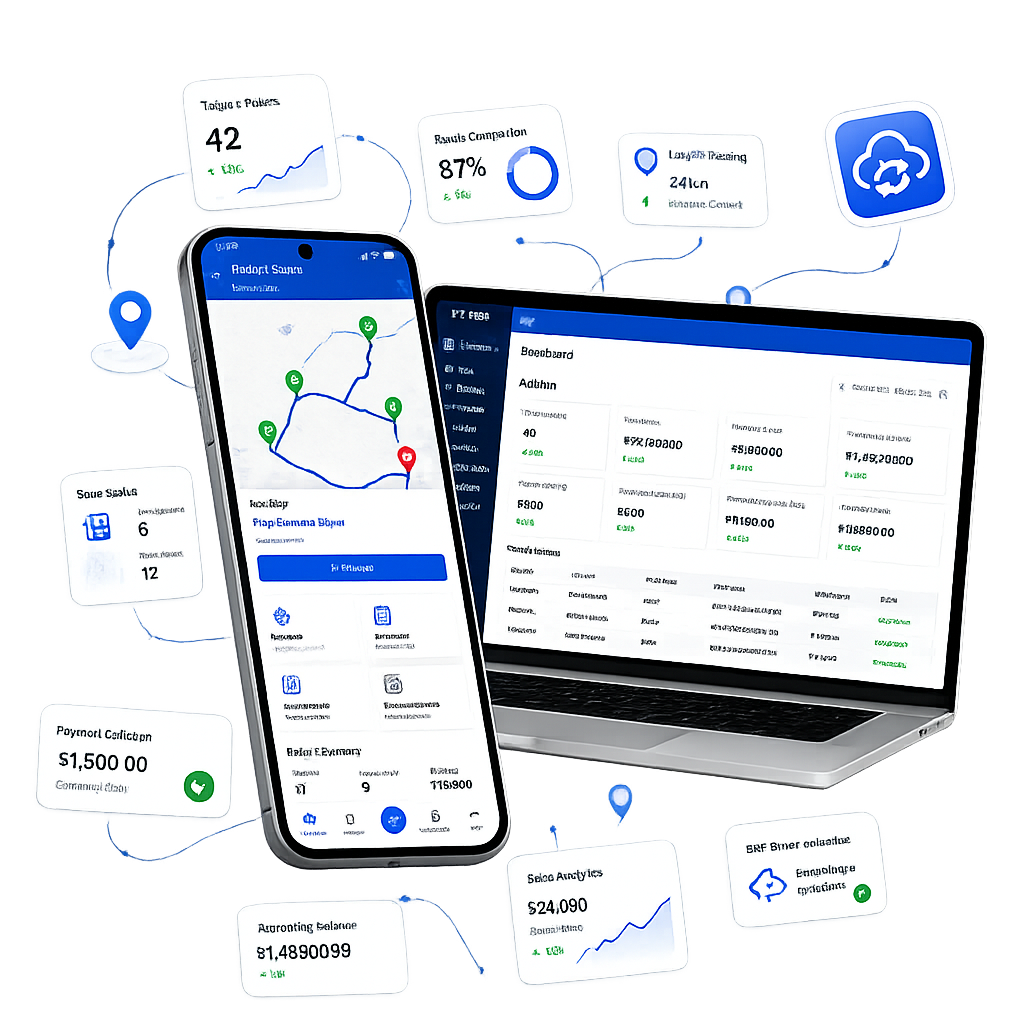
What is an order tracking / salesman app for distributors?
An order tracking or field salesman app is software that lets outdoor sales reps book orders at retailer or wholesale shops and push those orders into a central business system without re-entering the same lines later. For Indian distribution and FMCG-style teams, the useful system is not only a mobile form: it should respect credit limits, stock availability, assigned territory, and management visibility. T7’s module is designed as a browser-based workspace opened from an admin-issued link, so field staff can start from a phone browser while orders, visits, and location context remain connected to T7 ERP where the module is enabled.
Capture orders in the field. Control territory from the office.
Core capabilities for shop-to-shop order booking, territory assignment, and admin monitoring—scoped by your configuration, not a one-size policy for every merchant.
Secure field access
Admin can share a salesman-specific browser link or QR so the rep opens a personalised workspace directly on their mobile device.
- Tokenised access link per salesman
- Revoke or regenerate when staff change
- Works in modern mobile browsers
Zones, stores, and routes
Where Advance Flow is enabled, stores can be grouped into zones, assigned to salesmen, and sequenced into a daily visit plan based on store locations.
- Direct store or zone assignment
- Auto-generated visit sequence where configured
- Map and list views for the day’s beat
Field sales orders
Salesmen select a shop, build an order from the product catalogue, and submit so the order can sync into T7 ERP for back-office fulfilment.
- Catalogue with live stock and pricing where configured
- Customer price lists and discount limits
- Order history visible before new booking
Live location tracking
During active work sessions, the app can capture GPS pings so admins see salesman position, visit proximity, and day-level travel context on a map dashboard.
- Live map of active salesmen
- Visit geolocation at order time
- Distance and time summaries where enabled
Territory management
Merchants organise coverage the way the business works—by individual store, zone cluster, or a mix of both—instead of relying only on paper beat lists.
- Geo-tagged customer/store master
- Bulk import support for store data
- Reassignment with audit-friendly controls
Credit-aware ordering
Before confirmation, orders can check outstanding balance and credit limit so field teams do not book against blocked or over-limit accounts without the controls you set.
- Outstanding and overdue visibility
- Hard block or soft warning by configuration
- Payment collection against open invoices where enabled
Two maturity stages: start simple, add territory depth when you need it
Basic Flow covers same-day order capture and ERP sync. Advance Flow adds geo-tagged stores, zones, assignment, routes, GPS, and richer admin reporting.
Shop order → ERP, with minimal setup
- 1Admin shares a salesman-specific browser access link.
- 2Salesman opens the link and searches or selects a customer/shop.
- 3Salesman builds a sales order (products, qty, price, discount within limits).
- 4Order submits and syncs into T7 ERP for back-office processing.
Territory, routes, tracking, and admin map
- 1Admin geo-tags stores, groups them into zones, and assigns salesmen.
- 2App generates a zone-wise visit sequence from assigned locations.
- 3Salesman works the route, places orders, and optionally records payments.
- 4Admin monitors live positions, visit completion, and order summaries.
Designed around how distributor teams actually work
Check balance and history before you book
At each store, the salesman can review prior orders, outstanding dues, and credit status so the next order reflects the real commercial relationship—not only what fits on a paper pad.
- Outstanding invoices and payment history
- Customer-specific pricing where set in ERP
- Configurable credit-limit checks on submit
Check balance and history before you book
Mobile capture on the field · desktop visibility in T7 ERP
Keep visits tied to assigned stores
Advance Flow scopes the salesman to assigned stores and zones. Visit status (completed, skipped, rescheduled) and optional geofence checks help managers see coverage without chasing WhatsApp updates.
- Route list with clear visit statuses
- Proximity checks where geofencing is enabled
- Admin override of daily route order when needed
Keep visits tied to assigned stores
Mobile capture on the field · desktop visibility in T7 ERP
How T7 helps your field sales operation
Faster field orders
Digital catalogue, live stock, and price lists reduce the back-and-forth between the counter, the phone, and the office ledger.
Admin visibility
Orders, visits, collections, and location context land on an admin summary dashboard so managers review the day as it unfolds.
Lower rollout friction
Browser access with a shared link simplifies setup for field teams while admins retain full control over workspace access.
SEAMLESS DATA SYNC
What happens on the phone should show up in ERP
Bilateral framing matters for owners who never use the field app themselves: capture on mobile, operate and reconcile from the desktop ERP.
Orders
Field sales orders can sync into T7 ERP so fulfilment, inventory, and accounts work from the same order record—reducing double entry when connectivity and configuration allow real-time sync.
Admin dashboard
Summary views can include orders, visits, collections, and route completion context—filterable by salesman, zone, and date range where reporting is enabled—with export options for Excel/PDF as supported.
Critical field functions in one ERP-connected workflow
Who this workflow fits
Good fit when
- Distributors or manufacturers with shop-to-shop order booking
- Teams that want field orders in ERP without paper re-entry
- Managers who need territory assignment and visit visibility
- Businesses open to browser/PWA field access instead of only native apps
Confirm before choosing
- Whether you need Basic order capture only or full Advance Flow
- Credit-limit policy: hard block vs warning for your sales process
- GPS, geofence, and working-hour tracking rules for your staff
- Offline requirements if connectivity is unreliable on the beat
- Whether van inventory / on-truck invoicing is a separate need
Frequently asked questions
Ready to connect field orders to your ERP?
Walk through the salesman access link model, Basic versus Advance Flow, and how orders land in T7 ERP for your distribution or wholesale team.