 Invoice Gen
Navigation
Free Invoice Tool
Your data stays in your browser
Free Invoice Generator — Create GST and Simple PDF Invoices
Create a GST-style or simple invoice without an account. Enter your business, customer and item details, review the A4 or A5 preview, then download a free PDF.
Online tool
Create your invoice now
Choose GST or Simple, pick a template, fill details, download PDF — free, in your browser.
No login · No watermark · A4 & A5
1. Choose Page Size
2. Choose Template Type
3. Pick a Style
Business Details
Customer Details
Invoice Meta
Line Items
Notes & Style
Digital Signature
Type, draw, or upload a signature for the invoice. Skipped signatures are omitted from the PDF.
Typing a name creates a script-style digital signature automatically.
Add at least one line item with description, quantity, and rate to enable Download / Print.
Live Preview
This is how your invoice will look
Your Business Name
Your Address
INVOICE
Invoice # —
Date: —
Bill To
Customer Name
Customer Address
| # | Item Description | Qty | Rate | Amount |
|---|---|---|---|---|
| 1 | — | 1 Nos | 0.00 | 0.00 |
Amount in Words
Rupees Zero Only
Terms & Conditions
1. Goods once sold will not be taken back. 2. Subject to local jurisdiction.
* This is just a preview. Actual document may slightly vary.
What should you check on an invoice?
Use this guide to review the fields in a GST-style or simple invoice. Your registration, transaction and current rules determine which particulars are required.
Content reviewed 17 October 2026.
1. Business identity
Show which business issued the document. Add your business name, address and contact information so the customer can identify the supplier and ask questions about the bill.
- Business name and address
- GSTIN for a registered supplier issuing a tax invoice
- Contact details and optional logo
A logo is branding; it does not replace the supplier particulars required for the applicable document.
2. Customer and delivery details
Enter the recipient's name, billing address and GSTIN or UIN where applicable. Check delivery details and the place of supply separately; they determine more than the address printed on the invoice.
- Recipient name and billing address
- GSTIN or UIN for a registered recipient
- Delivery address and place of supply where required
Registered-recipient particulars are not conditional on crossing ₹50,000. The value-based recipient-detail rule concerns unregistered recipients; check the current rule and exceptions for your transaction.
3. Invoice number and dates
Use a document number that fits your business's invoice series, then check the issue date and agreed payment terms. The suggested number in this free tool is not synchronized with invoices created elsewhere.
- Invoice number checked against your own records
- Issue date
- Agreed due date and optional purchase-order reference
Manage the permitted invoice series and financial-year uniqueness in your records. A generated suggestion does not verify your numbering history.
4. Items, quantities and classifications
Describe what was supplied and check quantity, units, price, discounts, and applicable HSN or SAC classification. Select the tax treatment for the actual goods or services instead of copying a sample.
- Description, quantity and unit
- Unit price and any discount
- Applicable HSN/SAC and tax rate
Classification, rate and code-digit requirements depend on current rules and the transaction. The tool does not determine these for you.
5. Tax breakdown and payable total
Review the taxable amount, tax components, rounding and final amount against your source transaction. The generator uses the business state and selected place of supply to choose a tax split.
- Subtotal and discounts
- Taxable value and applicable tax components
- Rounding and final payable amount
The state-based calculation is a tool aid. Special transactions, cess, exemptions, reverse charge or other requirements may need separate treatment and professional review.
6. Payment details and notes
Add the payment instructions and commercial terms agreed with your customer. Check account or UPI details before sharing the PDF and avoid including information the recipient does not need.
- Payment instructions
- Agreed terms or relevant notes
- Contact for billing queries
Optional bank details and payment terms do not replace required invoice particulars.
7. Authorization and final checks
Review the completed document before downloading or printing. A typed, drawn or uploaded signature image is a visual mark; this tool does not apply a cryptographic digital-signature certificate.
- Authorized signatory details where required
- Review of all customer, item and tax entries
- Required statutory authorization or electronic-invoice steps checked separately
Writing 'computer-generated invoice' does not by itself establish a signature exemption. Confirm the applicable signature requirement and any statutory exception. Creating a PDF here does not register an e-Invoice or generate an IRN.
Guided Entry
Add your details and review the invoice before export
Browser PDF Generation
Invoice entries are used in your browser to create the PDF
Mobile Friendly
Edit and preview on supported desktop and mobile browsers
Download a PDF
Create a file after reviewing your completed invoice
Create Your Invoice in 3 Simple Steps
Choose Your Format
Select A4 or A5 page size and pick a template that fits your business.
Fill In Your Details
Add business info, customer details, and line items. Watch the preview update live.
Download or Print
Get a high-quality, watermark-free PDF instantly — ready to send or print.
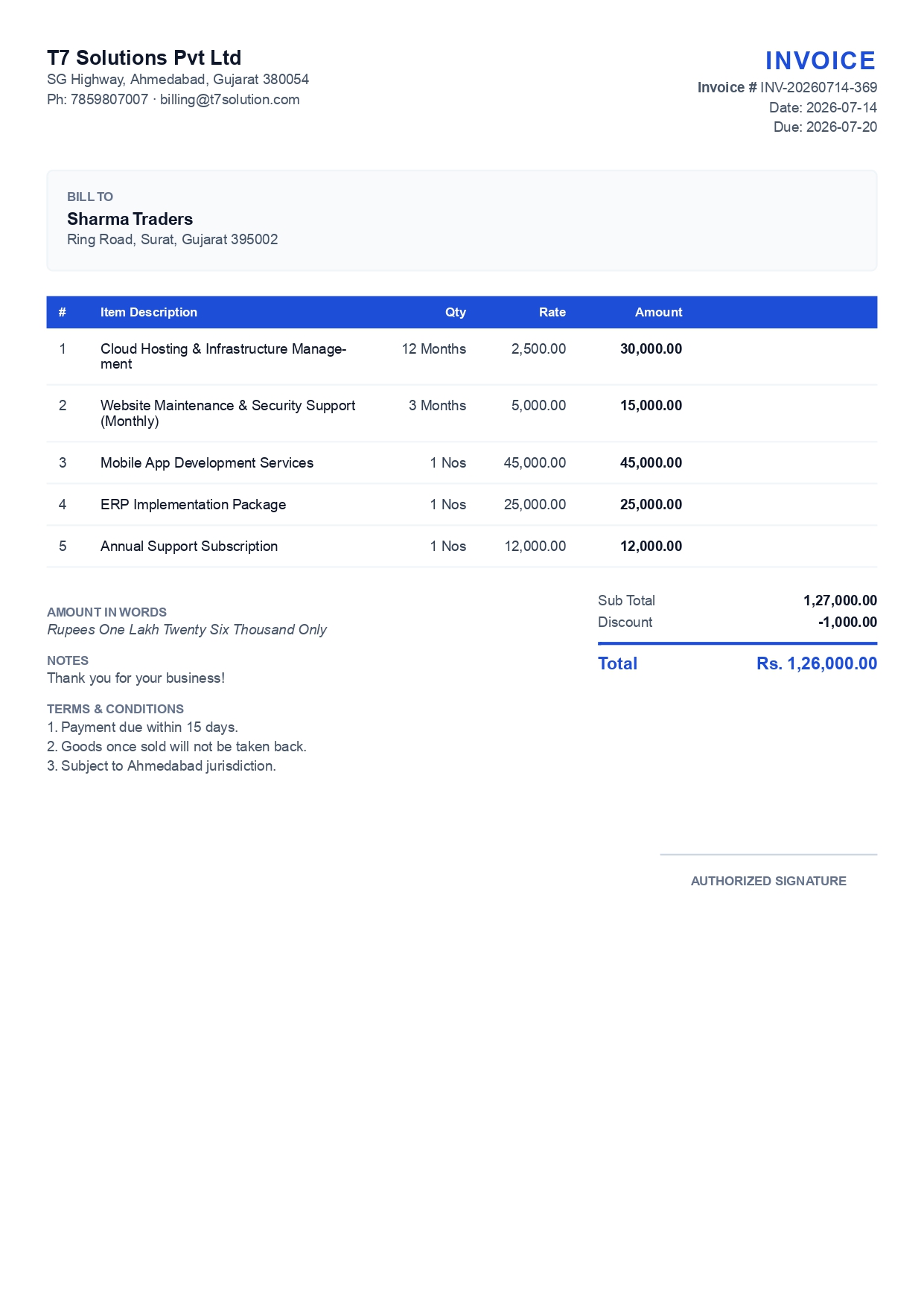
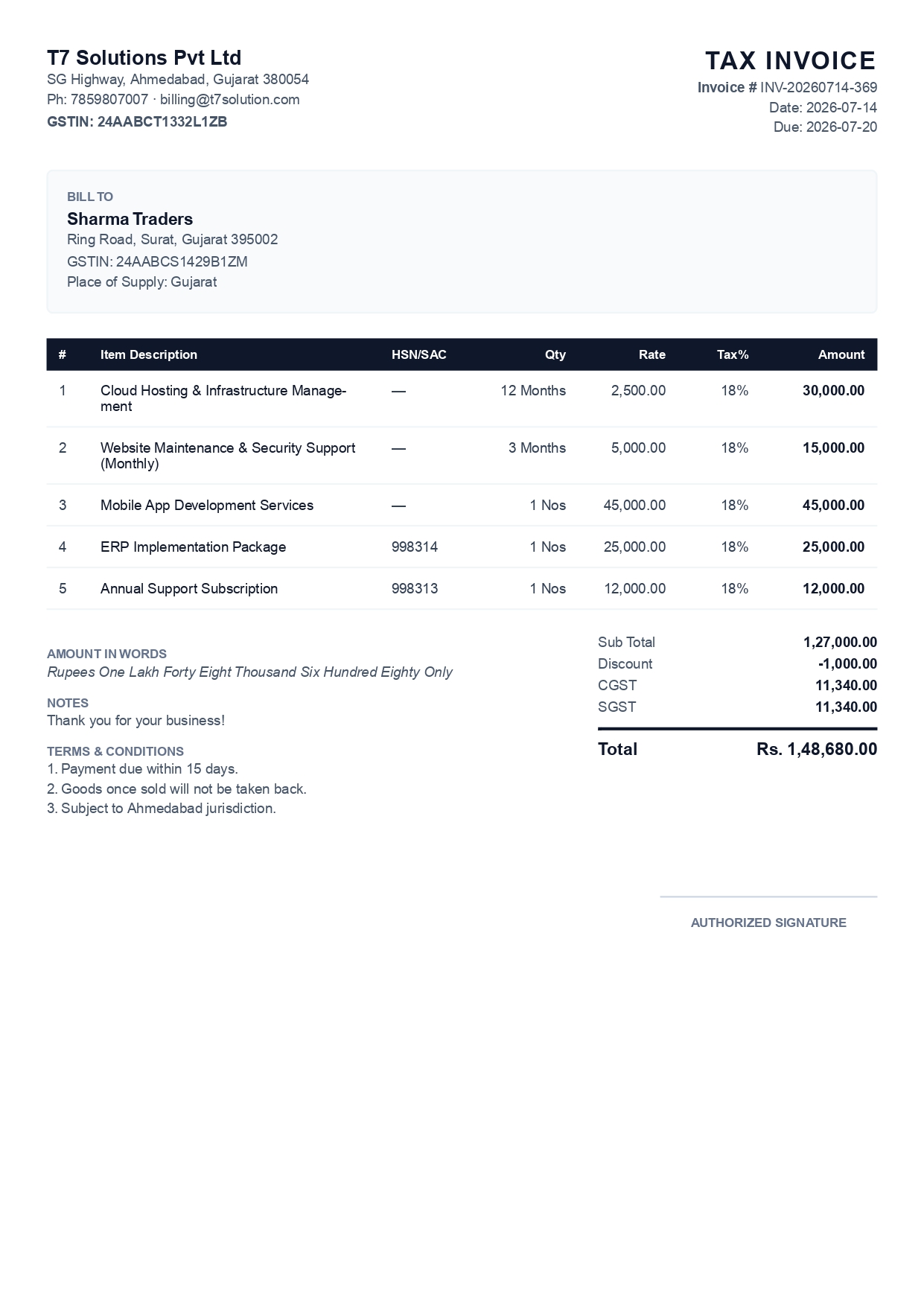
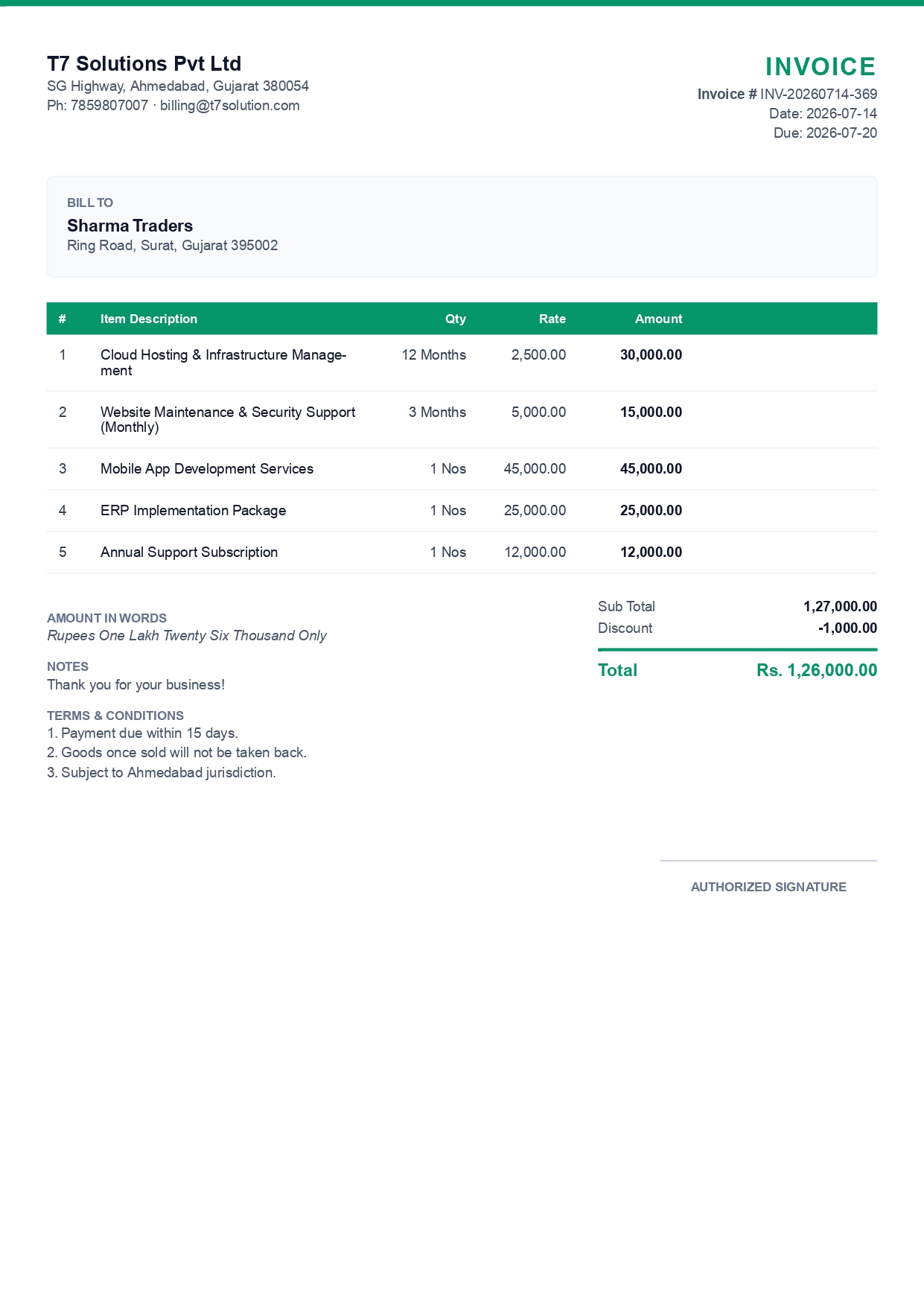
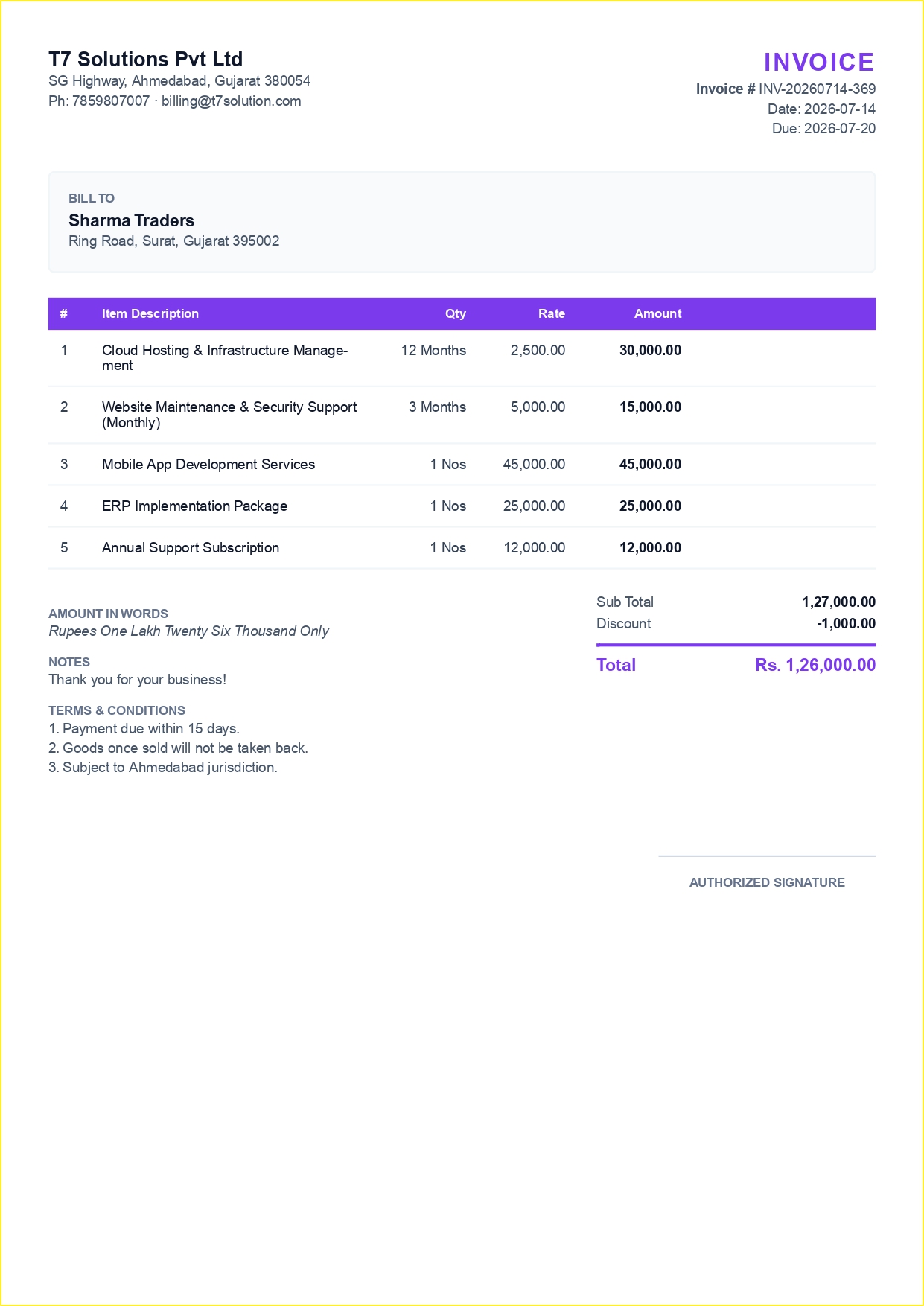
Beautiful Invoice Templates
Professionally designed templates for every business need
Why T7ERP Invoice Generator?
Built for Indian Businesses Like Yours
Whether you're a freelancer, shopkeeper, or business owner, our invoice generator is designed to make billing simple, fast, and professional.
No Login. No Signup.
Start generating invoices instantly.
GST-Oriented Fields
Enter tax details and review the calculated split.
A4 & A5 Formats
Perfect for business & retail needs.
Free to Use
Create and download an invoice without payment.
Privacy First
Your data is never stored on our servers.
Live Preview
See exactly how your invoice will look.
A4 / A5
PDF Formats
Free
Create and Download
Preview
Review Before Export
No Account
Use in Your Browser
Who Can Use This Tool
Tailored layouts and configurations optimized for diverse business models and industries.
Freelancers & Consultants
Create billing sheets for digital work and client advisory hours.
Designers & Agencies
Itemize creative deliverables and monthly retainer contracts.
Retail Shop Owners
Generate swift A5 counter billing and point-of-sale slips.
Wholesalers & Traders
Manage high-volume catalog line items and custom tax slabs.
Startups & SMBs
Draft official corporate B2B tax invoices with GST splits.
Ready for complete business operations?
Take billing to the next level — manage inventory, multi-branch POS, purchases, and GST returns inside T7ERP. T7ERP connects invoices, quotations, purchase orders, delivery challans, inventory, and accounting — built for Indian SMBs.
- No credit card to explore
- GST-ready workflows
- Made for India
Inventory & Stock
GST Billing & Reports
Multi-Branch POS
Purchase to Payment
Even More Features on the Way
We are constantly shipping updates. Take a look at upcoming features on our product roadmap.
Frequently Asked Questions
Everything you need to know about creating GST and simple invoices, downloads, privacy, and invoice customization on T7 ERP.
Create Your Professional Invoice Now
Fast. Free. No Login.